
File your US nonresident tax return
Sprintax Returns is the only online solution for nonresident federal tax e-filing and state tax return preparation
Federal from $51.95
State from $44.95
Amended Returns from $79.95

Why file your taxes
with Sprintax?
Every nonresident alien in the US must file tax documents with the IRS.
By using Sprintax Returns, you can guarantee that you are 100% US tax compliant. We will prepare every document that you need and ensure that you don’t pay any more tax than you need to.
Sprintax is also the nonresident partner of choice for TurboTax.

Forget complicated tax forms
We will guide you step-by-step.

E-File 1040NR with Sprintax
File your nonresident federal tax return easily online.

IRS compliance 100% guaranteed
You will have a clean US tax record.

You will receive your maximum US tax refund
Our users claimed over $100m last year
Who Can File With Sprintax
International Students & Scholars
Every year more than one million international students travel to the US to continue their studies. Did you know that, if you are living in the US as an international student, you have to file a tax return? It’s true!
In short, if you’re earning money while in the US on a student visa, you need to file a federal and state tax return. And even if you did not earn an income, you must file a Form 8843. Sprintax helps thousands of international students just like you to prepare their tax documents every year.
Our solution will guide you through the tax filing process and guarantee your US tax compliance.

J1 Work & Travel
Every year, thousands of young travelers visit the US on a J1 visa to live, work, study and travel. But did you know that every J1 participant is legally required to file tax documents with the IRS?
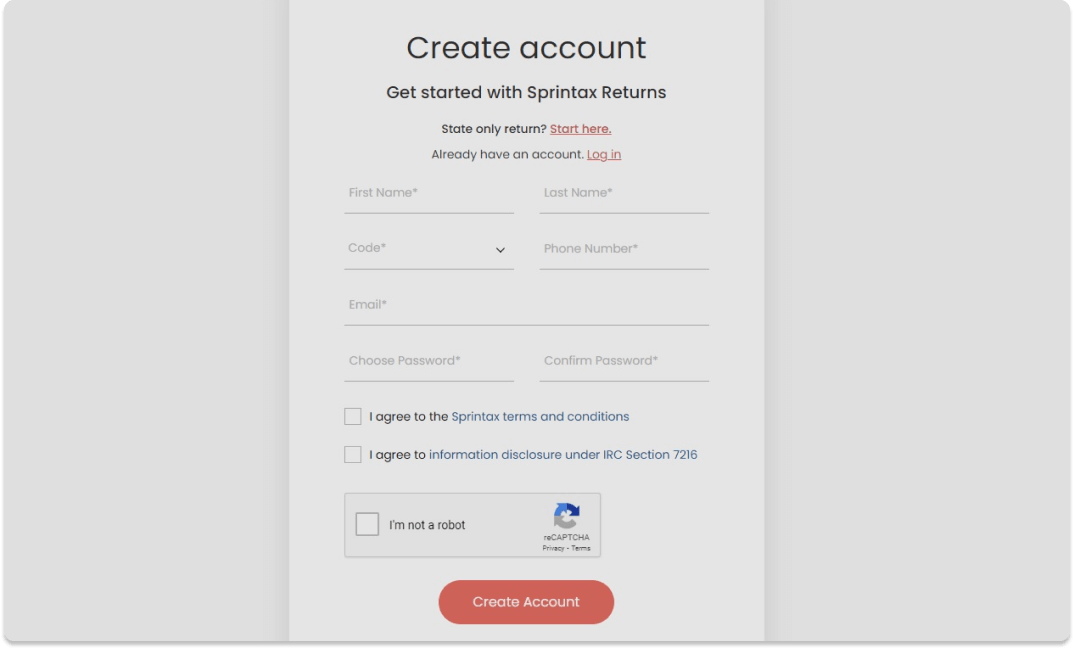
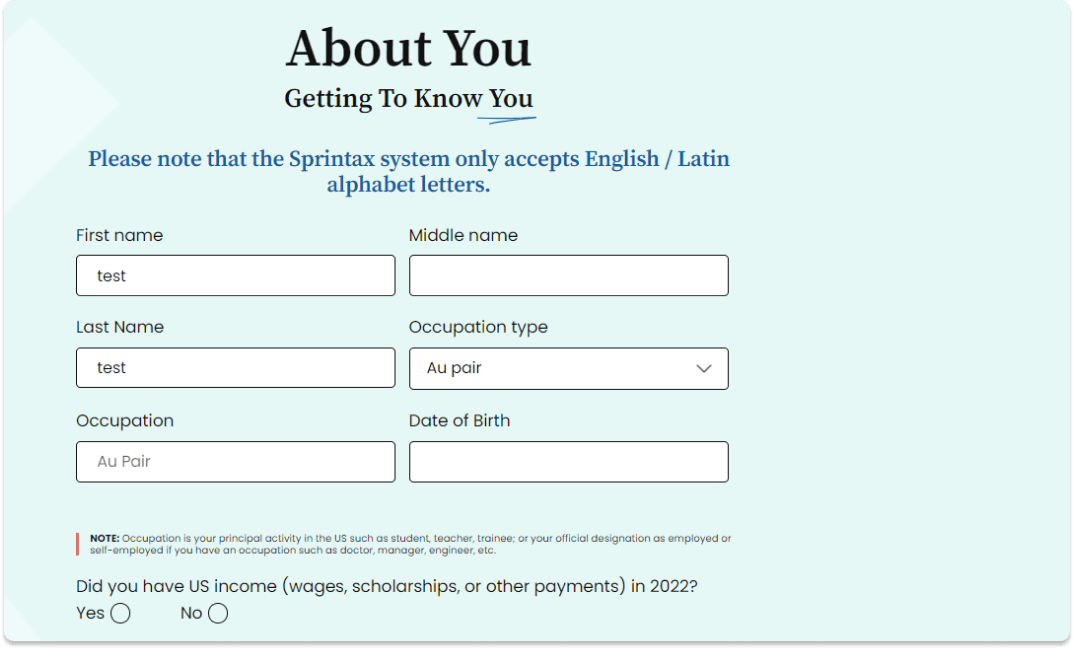
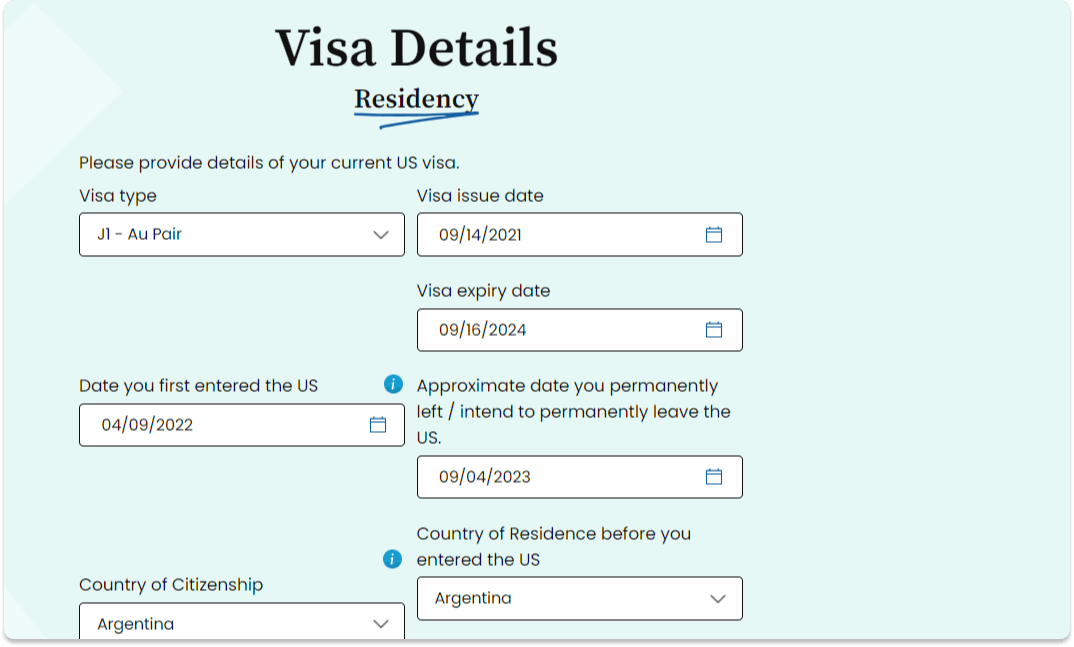
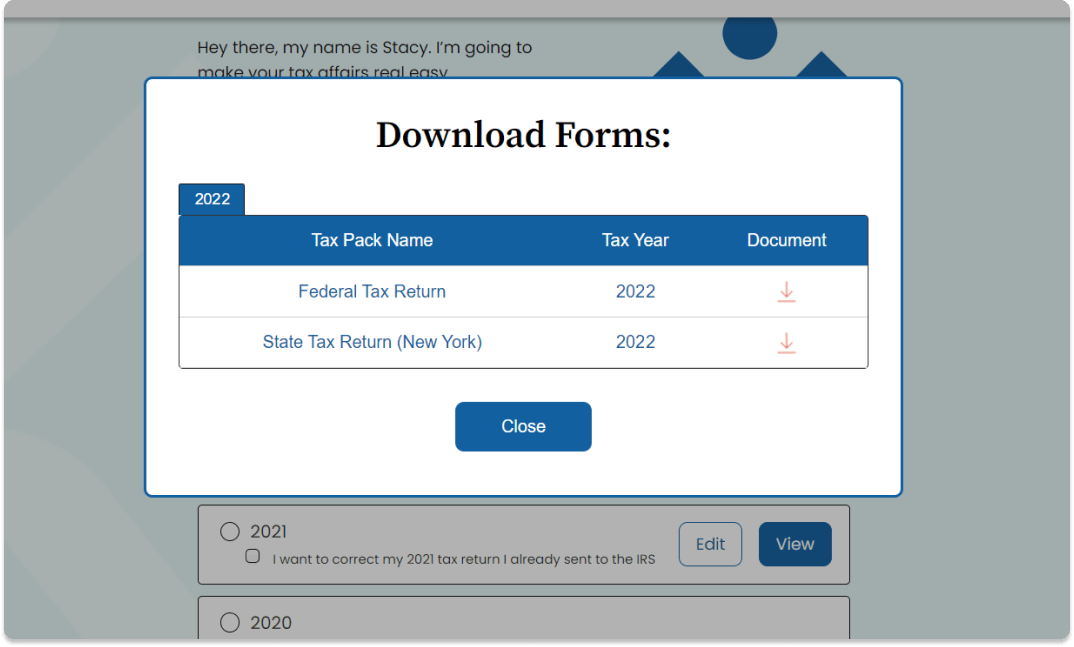
If you’re daunted by the thought of filing your taxes, don’t worry… Sprintax can help you! You can easy prepare your J1 tax documents online in just four easy steps with Sprintax Returns!
What’s more, if you have worked and paid tax in the US, you could be entitled to a tax refund. Exactly how much you can claim back will depend on your personal circumstances. However, it is always worth checking how much you’re owed. Sprintax will help you to claim your maximum US tax refund!

Interns & Trainees
If you are in the US as an intern or for training, you are required to file tax documents. In fact, even if you are not earning income from your training or internship, you must still file.
By preparing your tax documents with Sprintax Returns, you can guarantee your US tax compliance and ensure you don’t pay any more tax than you need to.

Au Pairs & Camp Counselors
If you are living in the US and working as an Au Pair or Camp Counselor, it is very important to comply with your US tax requirements.
Sprintax Returns is a user-friendly system which enables nonresident Au Pairs and Camp Counselors to prepare completed federal and state tax documents easily online. When you create your account, we will help you to prepare the tax documents you need while applying every deduction and tax treaty benefit you’re due – minimizing your tax bill.

Royalties
Earning income from royalties while living as a nonresident in the US? Don’t spend endless hours filling out complicated tax forms.
Easily prepare your US royalty tax return online with Sprintax Returns.

Other
Sprintax is the ideal tax solution for every nonresident alien living in the US.
In fact, Sprintax was created specifically for international students, scholars, teachers, researchers and foreign professionals in the US on F, J, H, L, M and Q visas to make tax prep easy and ensure they are fully compliant with the IRS tax rules.
No matter what your tax situation, we will ensure that you claim every tax deduction and tax treaty benefit you’re entitled to. Create your Sprintax account today!

Tax Forms
Tax documents prepared by Sprintax Returns
1040-NR
Form 1040-NR, U.S. Nonresident Alien Income Tax Return is the federal tax return that nonresidents should file to account for the income earned in the previous tax year.
Form 1040X
Form 1040-X, Amended U.S. Individual Income Tax Return is used to claim additional deductions or credits or to correct an error on a previously filed tax return, which has reduced the amount of tax the taxpayer owed for that year.
Form 8843
Form 8843, Statement for Exempt Individuals and Individuals with a Medical Condition is used by nonresident aliens who wish to exclude days present in the US for the purposes of the Substantial Presence Test, either because they were an exempt individual or they were unable to leave the US due to illness.
Nonresidents are also required to file this document if they received no income during the tax year.
Here's What Our Customers Think

Easy, straightforward
Extremely easy, convenient and straightforward for nonresidents. I have used multiple tax softwares but Sprintax has been the best and never disappointed.
2nd time with Sprintax, 100% recommend!
2nd time processing my J-1 taxes and their service never failed me (got my last year’s refund already, now waiting for this year). Even their post-payment is amazing! Valentin helped me with all my questions and answered them in detail. Five-star service! This might be my last filing with them since I left USA already but 100% would recommend their services to any J-1 interns like me who want to file smoothly AND maximize their tax refund!
Sprintax is helpful
I encourage that international students use Sprintax to file their tax returns. Be patient and do not panic. Sprintax provides a live chat feature that guide users through each step. Good luck!
Great experience I have gathered. Both Bot and chat agents have done a great job. I am really happy with Sprintax
It was totally helpful. Both bot and living agets have done a great job. They provided my instant solutions. I was novice but I did it very correctly with the help of Sprintax team. Thank Sprintax!
Great Tool!
The Sprintax website was really easy to use. I had no problem sorting my taxes with the Sprintax questionnaire, and the additional YouTube videos were really helpful
That was great experience in live chat
That was great experience in live chat, they responded me on 30 questions in about 10 minutes, that was so helpful!
My experience with the Sprintax team…
My experience with the Sprintax team was great. First of all Allison has helped me to solve my issue, answered my email promptly and was super kind and polite. It is clear how Allison and the Sprintax team are prepared to serve when any demand occurs. I am Glad I could reach you out easily.
Recommend to all international students!
I only write review when i feel good (or bad sometimes). but the user interface of Sprintax is very friendly and it makes my returning-tax experience simple and fast. The instruction is easy to follow, and the live chat I had at 9 pm with Ivelin Danev was extremely helpful and trustworthy. Thank you for providing the service.
It was good experience
For someone new to all of this the website was easy to deal with, although I needed some help from the online support, they were too helpful and guided me patiently throw the process.
Very easy for the user
Made doing my taxes for the first time as an overseas alien very easy.
Excellent service
This is my first time filing my taxes as a J1 Visa holder. Customer service is amazing! I have reached them out several times with a lot of questions and they have always kindly helped me out.
Friendly chat with agents
Friendly chat with agents. Easy to operate. Save time.
Sprintax makes it easy for me to file…
Sprintax makes it easy for me to file and report my tax. For my some-periods of stay in the U.S., this platform provided me not only convenience and a user-friendly interface but also a brief knowledge of the tax system itself. What I like the most are the e-Form filing and the post-submit troubleshooting service. Overall, a great experience deserving 5 stars! Thank you.
You must use Sprintax!
Great, kind, and knowledgeable chat assistants! Even the AI chatbot gives very useful guide and tips. Sprintax is super intuitive to use—it’s an absolute time saver!
Hard tax return case fully supported
I had a case of partial fund allocation and my employer's accounting firm wrongly deducted an additional half of my taxes. Since then it's been a 2-year long journey combatting with the state tax board and IRS to get my money back and with lawyer support it'd cost me a fortune. Thankfully, I purchased Sprintax support to assist with disputing the case. And though it did require constantly asking for status updates, and estimates, and signing a bunch of papers to get support but in the end it WORKED! I did get my money back, and very very happy about it! Thank you Sprintax! The only wish/recommendation I have is more proactively keeping in touch with clients during these hard cases.
Five Star tax service!
Sprintax was the reason why I accomplished my taxes smoothly and got a refund more than the amount I expected! Great overall service. Joanna and Grace answered all my tax concerns too!
Sprintax: Fast, Neat and Great!
This is the second time I am filing my tax return and I can see that Sprintax has displayed a whole array of mechanisms and systems in place to help me go through the different steps to complete my tax return. Initially, I did not believe I could ever finish this in one day! I think they are extremely professional.
Easy for first timers
First time filing taxes as an international student. Very straightforward and simple process.
Very positive experience!
I’m a rising senior and used Sprintax to file my Federal and State taxes in the US, and had a great experience both times. Sprintax made my life much easier, because it allowed me to file these complicated forms with ease! I definitely recommend it to every International student in the United States.
First experience
As an International Visitor in my first experience, it was easy to understand and answer all the questions. Thanks for the support and instructions.
A fluid experience
A fluid experience. I am relatively new to the tax filing system in the USA, however, I was able to file my taxes with a few instructional videos, articles provided from my school, and the FAQ section. Would strongly recommend fellow international students to use to file their taxes.
Sprintax is a great tool for filing US Taxes
Sprintax is a great tool for filing state and federal taxes in the US. Their interface is very user-friendly and I found the customer chat service really useful for asking any doubts.
Nice and easy.
This year was the second time I used Sprintax. I am kind of new to tax filing, but Springtax made things easy for me. I was able to do everything by using instructional videos, emails from my college, and the FAQ. I strongly recommend international students use Springtax.
Frequently Asked Questions
A nonresident alien (NRA) is any individual who is not a U.S. citizen or U.S. national, who does not pass the substantial presence test or the green card test.
You can determine your residency status for free with Sprintax Returns. Simply create an account or login to get started.
Sprintax was created specifically for nonresident professionals, international students, scholars, teachers and researchers in the US on F, J, M and Q visas. Our software makes it easy for all nonresidents to prepare their US taxes online and stay compliant with IRS tax rules.
Yes. Sprintax is approved by the IRS for Federal tax E-Filing and many nonresidents will be able to file their 1040NR tax return without ever having to leave the comfort of their own home!
The Sprintax tax preparation fees are listed below:
- Federal tax preparation from $51.95
- State tax preparation from $44.95
- State tax return only – $49.95
- Amended returns from $79.95
- Form 8843 – $19.95
- Federal or State Post Filing service – $19.95
- Full Post-Filing Support Service – $24.95
- ITIN Application – $15.95
- FICA Preparation – $15.95
There are many reasons why you may need to amend your US income tax return. Whatever your tax situation, you can easily amend your tax documents online with Sprintax Returns.
To prepare form 1040-X, just create your Sprintax account or login to get started.
It depends!
Each state in the US has different tax laws. Depending on the state where you live, you may be required to file a state tax return.
Nine US states don’t impose any income tax on income – Alaska, Florida, Nevada, New Hampshire, South Dakota, Tennessee, Texas, Washington and Wyoming.
After you file your taxes, it’s possible the IRS may contact you to request some additional documents.
While dealing with the tax office is not always easy, the good news is that Sprintax can support you with any additional paperwork required.
By signing up for the Sprintax Post-Filing Service, you can ensure that our tax experts will deal with all the additional communication with the IRS on your behalf and will take the burden off your shoulders.
With this insurance service, you can enjoy peace of mind that you are fully tax compliant in the US.